
Kids Games Park
Brain Games • Inspiring Stories • Creative Coloring
Free Children's Games Online — No Download Needed
Play instantly in the browser: every game runs on any phone, tablet, or computer without downloading an app. Want offline play? Install Kids Games Park as a web app in one tap, and all 228 games and 57 stories keep working without internet.
How to Play Offline
- Android / Chrome: open the menu and choose "Install app" or "Add to Home screen".
- iPhone / iPad: in Safari tap Share, then "Add to Home Screen".
- Computer: click the install icon in the Chrome or Edge address bar.
Open the app once while online so games are saved, then play anywhere — car rides, flights, or screen-time at home.
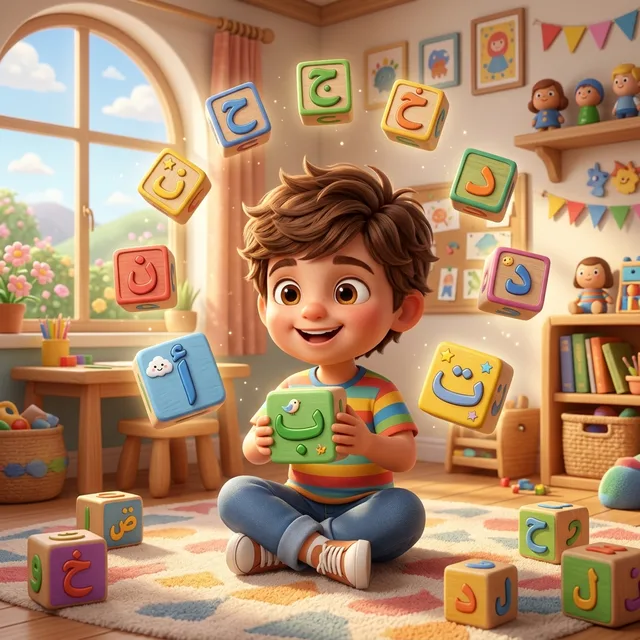
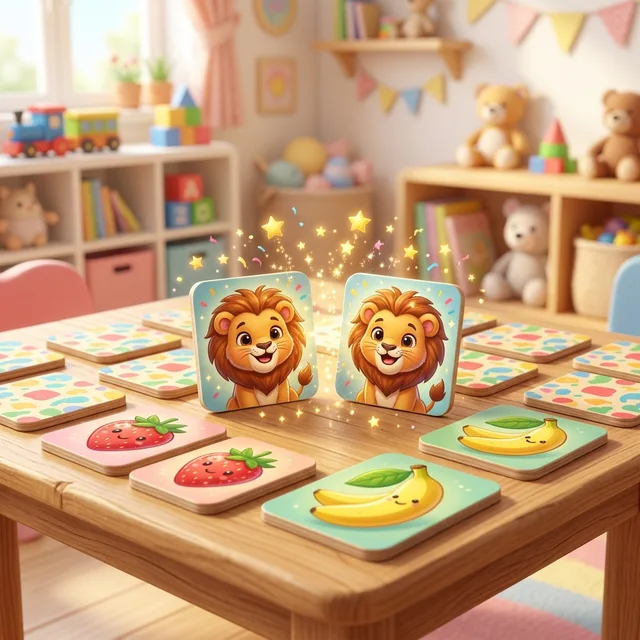
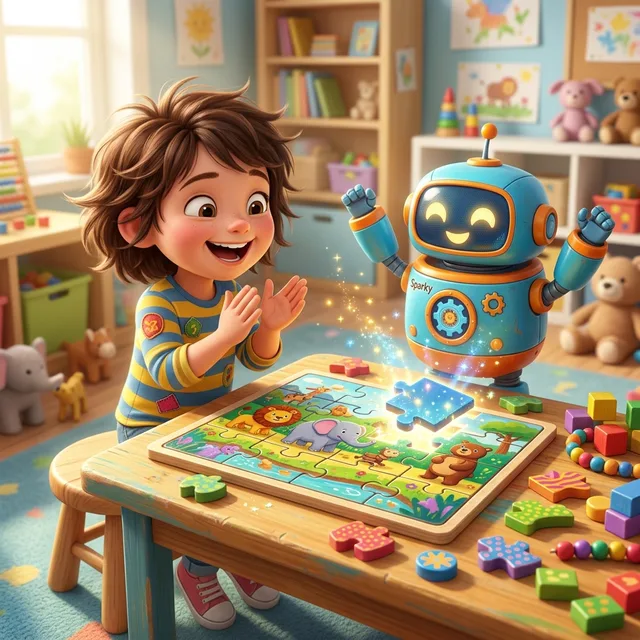
Popular Free Games to Start With





Free Kids Games FAQ
Are these kids games really free with no download?
Yes. All games play directly in the browser for free, with no app download, no account, and no ads.
Can kids play without internet?
Yes. After installing the site as a web app and opening it once online, the games, stories, and coloring pages work offline.